 KU Glow
For iPhone and iPad
Maths that feels like play, chores that feel like a game
Nine maths mini-games and a memory game, plus a chore chart where stars buy rewards you choose yourself. Every question is generated on the device, so nothing ever repeats — and none of it needs the internet.
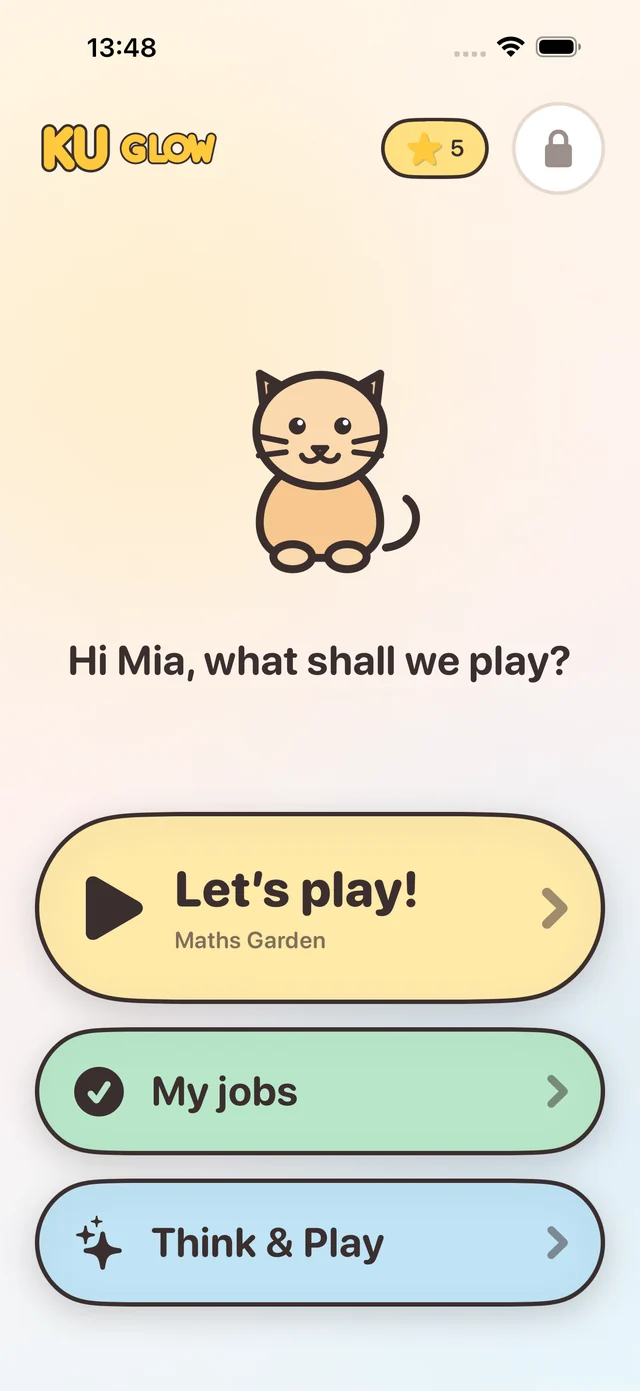
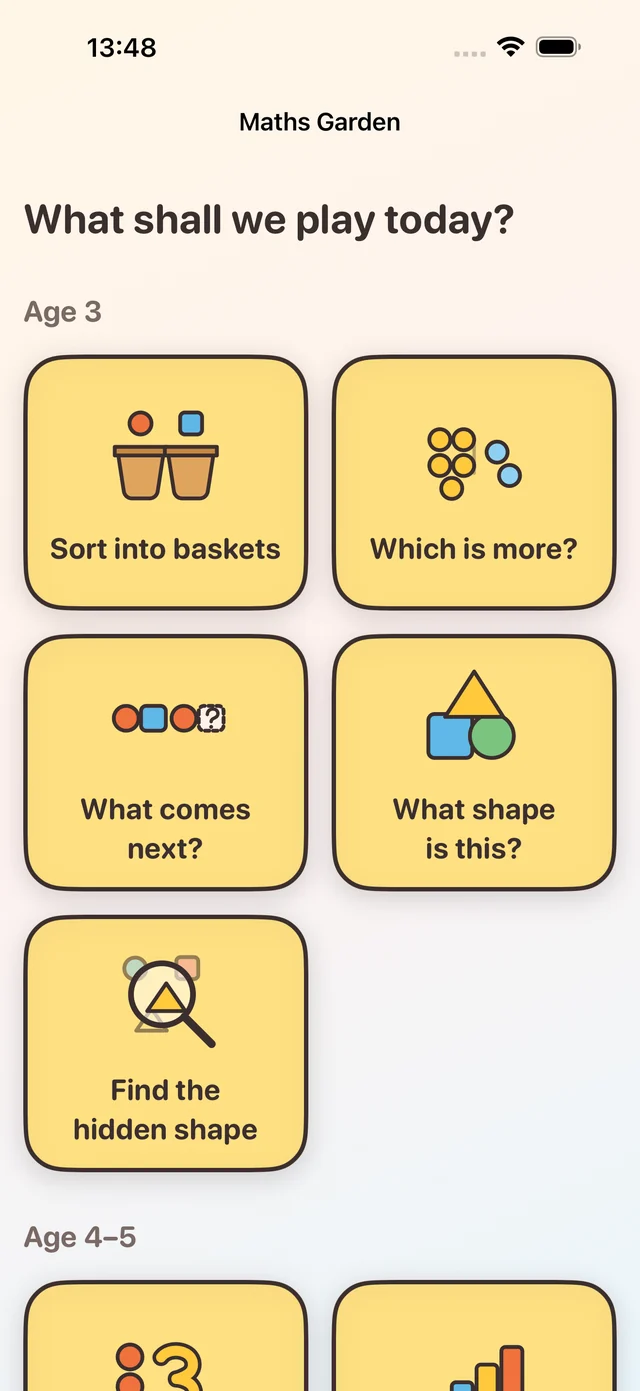
Maths Garden
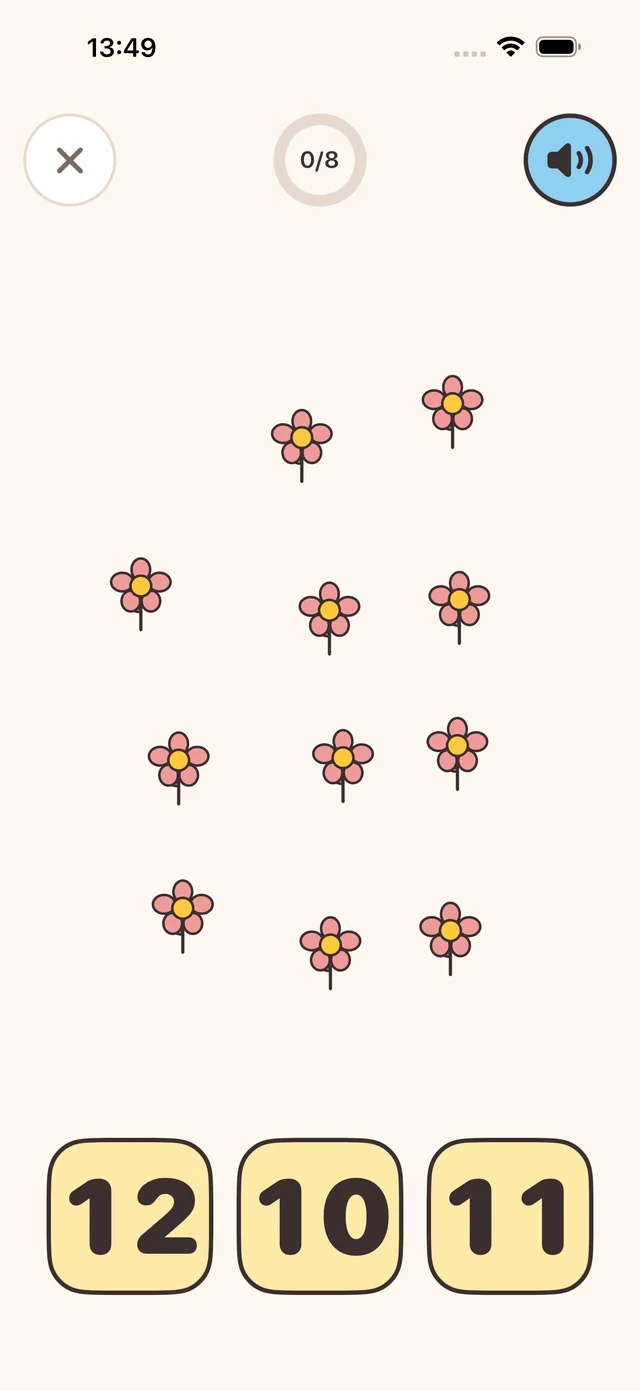
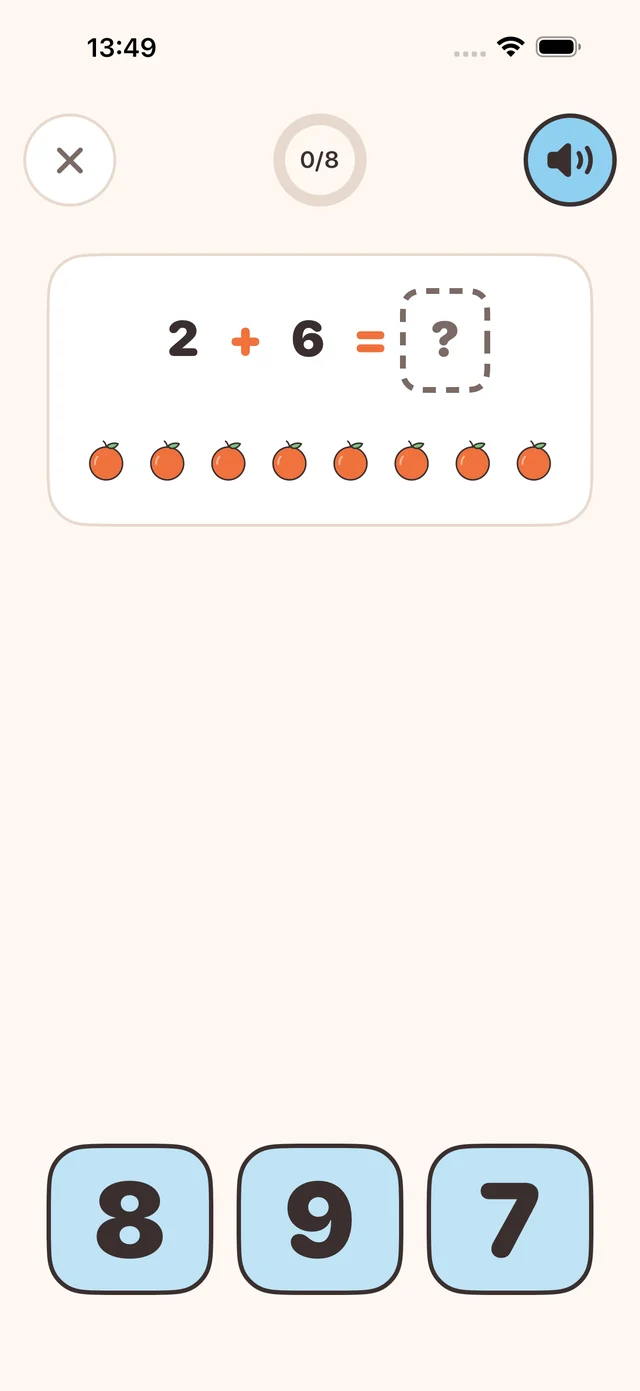
Nine games, grouped by age
Difficulty moves on its own: three right in a row steps up, two wrong in a row steps back down. Nobody has to pick a level, and nobody gets stuck on one.
Think & Play
What disappeared?
A shelf of objects appears, gets covered, and one thing is gone. Spot which. It is visual memory practice with no numbers in it at all — a rest between the maths, and the game the youngest players tend to be best at.
- The shelf, the objects and the missing one change every round
- How long the shelf stays visible follows the difficulty, so it stays winnable
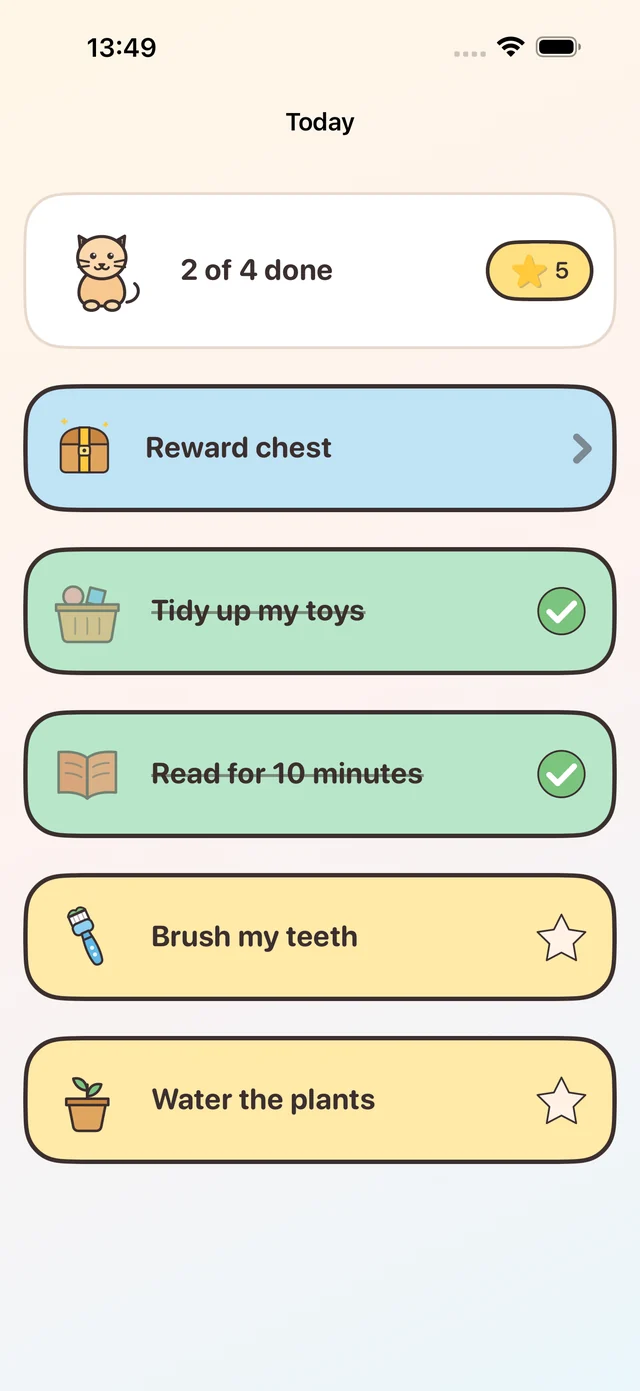
Jobs and the reward chest
Stars turn into things you actually promised
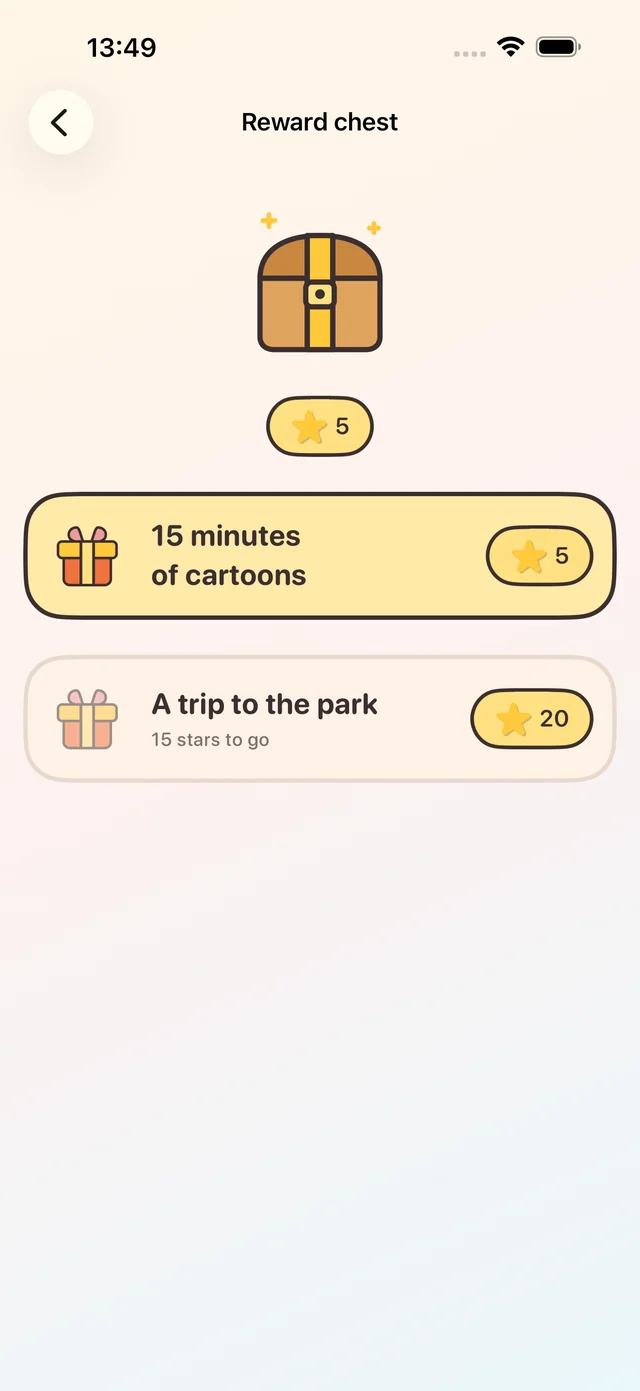
Pick from eighteen ready-made jobs — brush teeth, tidy toys, water the plants — or write your own. Set what each is worth and when to be reminded. Tapping a finished job drops the stars into the wallet, and enough stars opens the chest.
- You decide the rewards and what each one costs
- Rewards priced beyond the current stars stay visible, so there is something to aim at
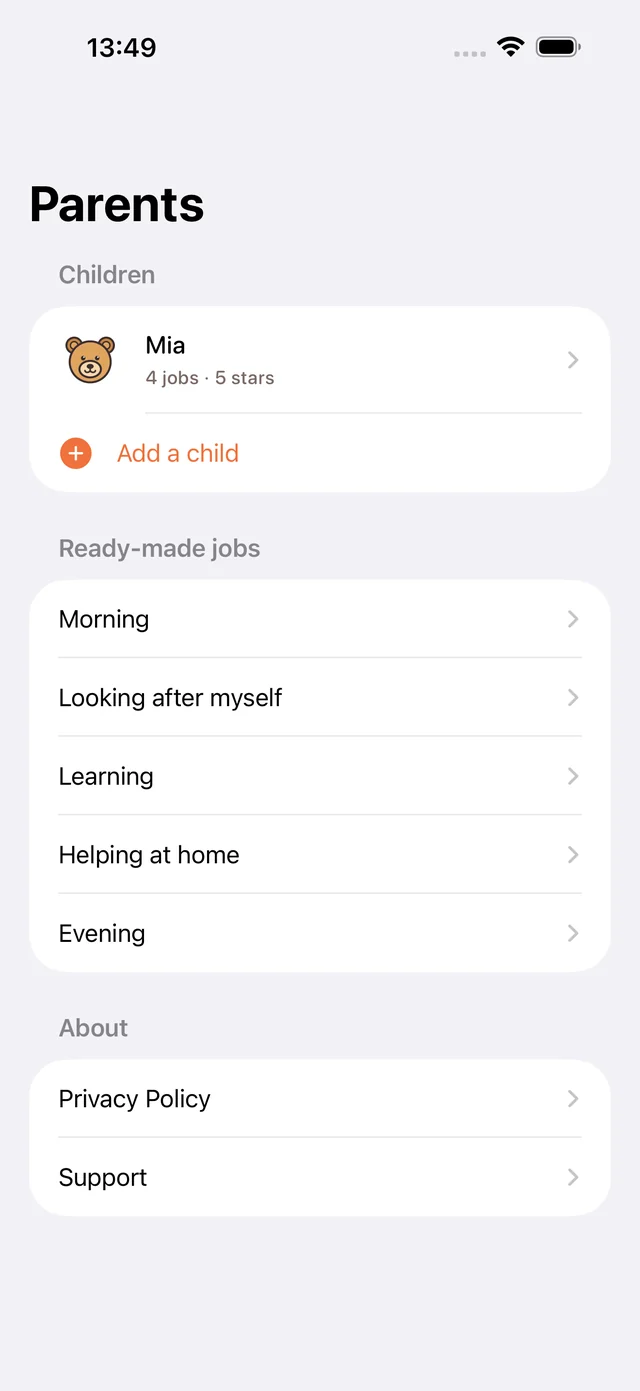
- More than one child, each with their own jobs, stars and progress
Built for players who cannot read yet
Nothing depends on reading a word
Every question is spoken
The question is read aloud when it appears, and again whenever the speaker is tapped.
Targets sized for small fingers
Big rounded buttons with room between them, so a near miss is still the right answer.
No timers, no losing screen
A wrong answer just means another try. As many tries as it takes, with no score to lose.
For parents
Everything you set stays behind a lock
Children, jobs, rewards and settings live in an area that opens with Face ID, Touch ID or your passcode — and where those are unavailable, a two-digit sum that is deliberately harder than a young child can do.
- No advertising and no in-app purchases, anywhere in the app
- Your child’s jobs, stars and progress are stored on the device and stay there
- No account and no sign-up — the app opens straight into playing
- The only links that leave the app are on this site, and they open in Safari
Coming to the App Store
KU Glow is on its way. Write to us if you would like to know when it lands, or if you have a question about how any of it works.
Email us